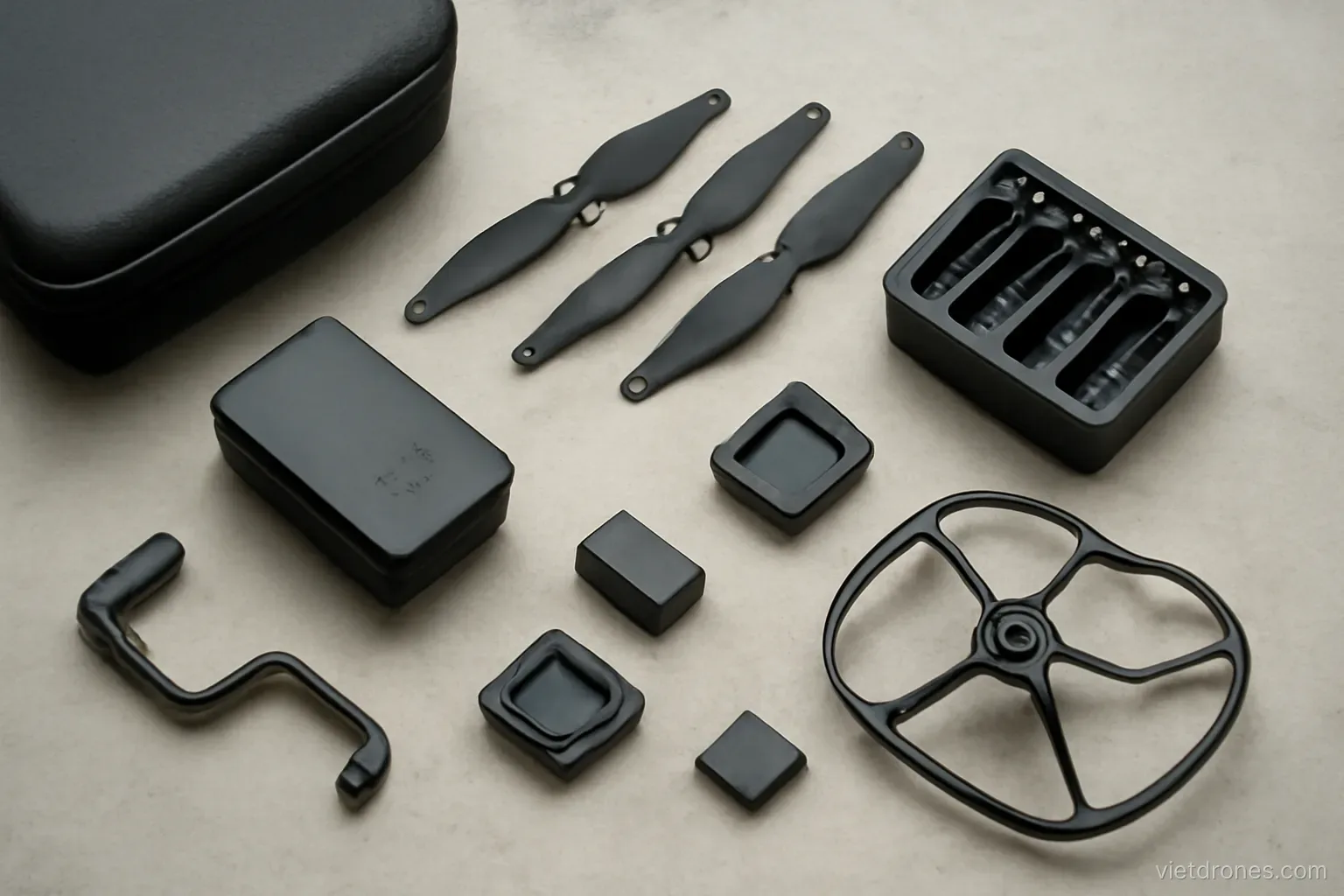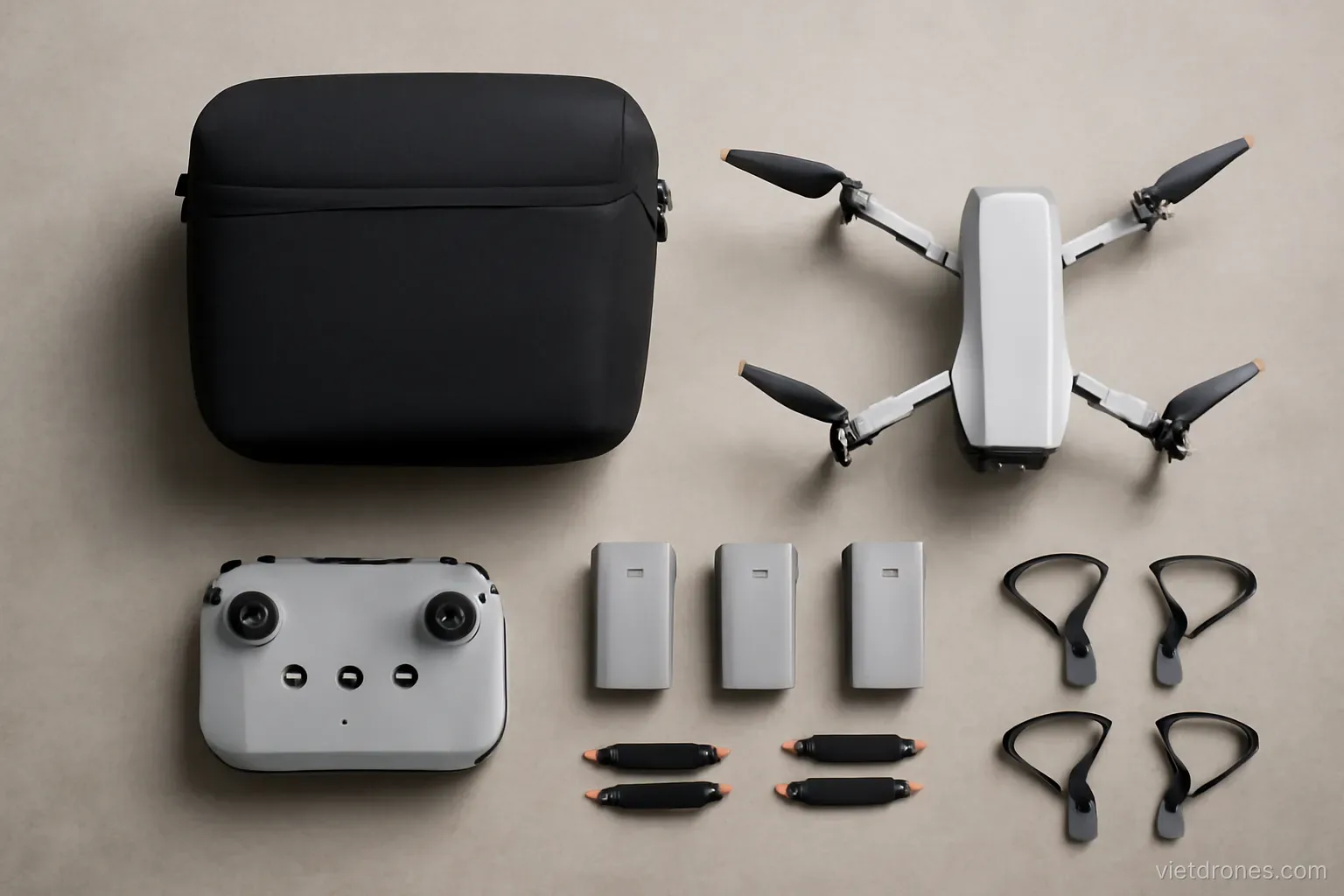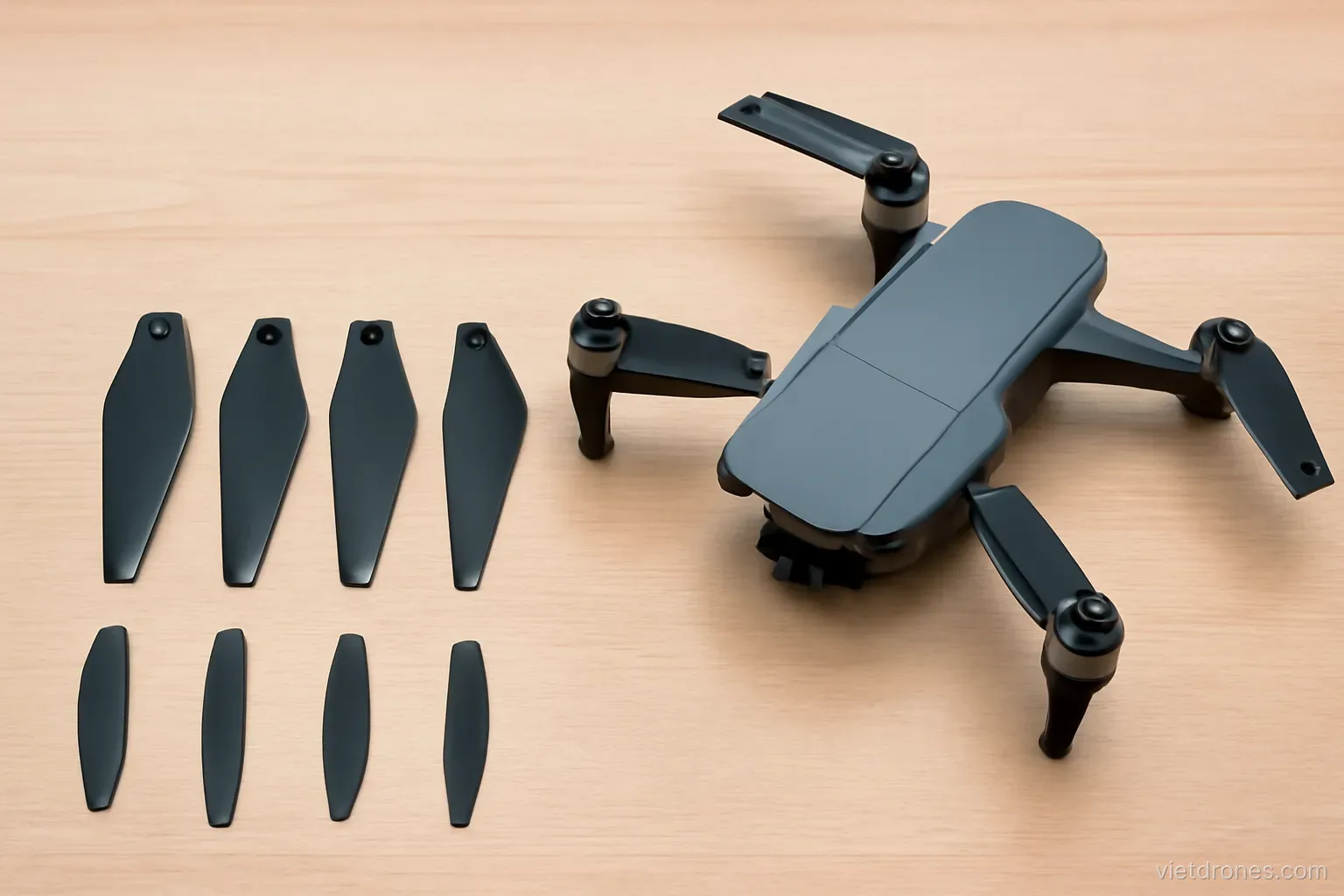
Propellers cost very little and cause more aborted sessions and crashes than any other component. They deserve more attention than they usually get.
Treating props as consumables
They wear out. Even without an impact, plastic props degrade through flexing and ultraviolet exposure.
Replace as a full set. Mixing new and worn props creates imbalance and vibration.
Replace after any impact. Even a light contact with grass can leave an invisible stress fracture.
Replace after a crash without question. This is not the place to save money.
Carry at least one spare set. The most likely thing to end a session away from home.
Use the manufacturer's props. Aftermarket props vary in weight and pitch, and the flight controller is tuned for the originals.
Buy several sets at once. They are inexpensive and availability is not always guaranteed.
Keep them in a case. Loose props in a bag get bent and chipped.
Check the packaging for the model number. Manufacturers make several prop variants that look nearly identical but differ in pitch and diameter.
Note when you fitted them. A rough sense of hours on a set is useful.
Inspecting before every flight
Look along each blade. Sight down the edge for chips, nicks and cracks.
Check the hub carefully. Cracks near the mounting point are the most dangerous and the least visible.
Flex each blade gently. Listen and feel for anything that does not match the others.
Check they are properly seated. A partially engaged prop can detach in flight.
Confirm correct positions. Props are handed, and fitting them in the wrong positions prevents take-off or causes an immediate crash.
Spin them by hand. They should move freely with no rubbing or grinding.
Look for warping. A prop stored under pressure can deform permanently.
Check for grass and debris. Material caught around the motor shaft causes vibration.
Ten seconds each flight. This check is the single highest-value habit in preflight preparation.
Vibration and its symptoms
Damaged props cause vibration. Which the gimbal cannot fully isolate.
It shows as jello in footage. A wobbling, rippling distortion, especially in the corners of the frame.
It also shows as a hum. An unusual sound from the aircraft in the hover.
Cameras suffer before flight does. The drone flies apparently normally while the footage is ruined.
Check the props first. They are by far the most common cause.
Then check motor mounts. Loose or damaged mounts after a crash.
Then check the gimbal dampers. Small rubber isolators that perish over time.
Test in a stationary hover. Record ten seconds and inspect the footage closely.
Do not ignore it. Vibration indicates something is wrong mechanically, and it will get worse.
Low-noise and specialist props
Low-noise props exist for most models. Different blade shape reduces the high-frequency sound.
The difference is real. Both in volume and in the character of the noise.
They cost a little efficiency. Slightly reduced flight time and sometimes top speed.
Worth it near people. Noise is the most common cause of complaint after privacy.
High-altitude props exist for some models. Increased pitch for thin air.
Only use them as intended. They draw more current at normal altitudes.
Avoid unbranded props. Weight and balance variation causes vibration and unpredictable handling.
Carbon props are for larger aircraft. Stiff, efficient, and dangerous in the sizes most people fly.
Test any change carefully. A short hover and a look at the footage before committing to a shoot.
Other consumables worth stocking
Gimbal guard. They break and get lost, and flying without one during transport risks the gimbal.
Prop holders. Cheap, easily lost, and they prevent transport damage.
Spare screws. Tiny, easy to lose during any repair.
Lens cleaning cloth. Microfibre, kept in a clean pocket of the bag.
Memory cards. A spare card weighs nothing and covers a failure.
Controller cables. The phone connection cable is a common failure point.
Landing pad. Prevents dust ingestion and gives a clear take-off point.
Small screwdriver set. The correct size for your model's screws specifically.
Spare gimbal dampers. The small rubber isolators perish with age and heat, and replacing them restores footage quality cheaply.
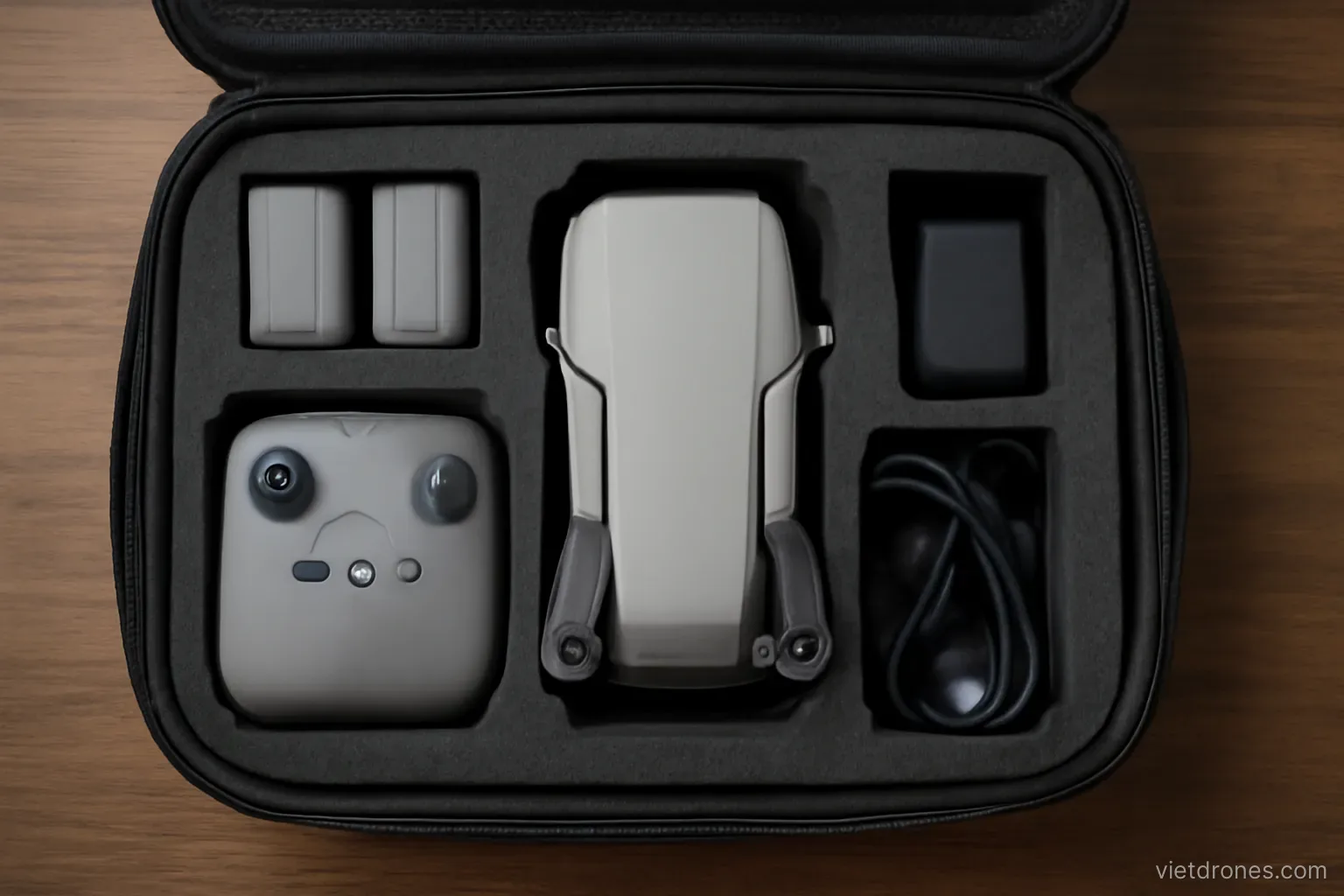
Keep it all in the bag. Spares left at home solve nothing.
Frequently asked questions
When should propellers be replaced?
As a full set after any impact, after any crash without question, and periodically through normal wear — plastic degrades through flexing and sunlight.
What does propeller damage look like in footage?
Jello — a wobbling, rippling distortion most visible in the corners of the frame, often while the drone appears to fly perfectly normally.
Are aftermarket propellers a good idea?
Generally no. Weight and pitch vary, and the flight controller is tuned for the original props. Manufacturer low-noise props are the exception worth considering.
Which spare parts are worth carrying?
A full spare prop set, gimbal guard, prop holders, spare screws, a lens cloth, a spare memory card and the correct small screwdriver.
More in Drone video editing and Safe and legal flying.