Drones fail in predictable ways, and almost all of those failures announce themselves in advance. Regular inspection is simply the habit of listening to those announcements.
Before every flight
Inspect the propellers. Sight down each blade and check the hub for cracks. This single check prevents more incidents than any other.
Check the arms and joints. Look for hairline cracks near the folding hinges, which is where stress concentrates.
Look at the gimbal. It should move freely and return to level without hesitation.
Clean the lens. A fingerprint costs more image quality than most settings decisions.
Check the sensors. The small camera windows must be clear of dust and moisture.
Confirm the battery is seated. Fully clicked in, with clean contacts.
Check the memory card. Present, and with space on it.
Verify settings. Return-to-home altitude, flight mode and camera settings, all of which can reset unexpectedly.
Two minutes total. It becomes automatic within a few sessions.
After every flight
Let the drone cool. Before packing it into a closed bag.
Wipe the body. Dust, pollen, sea spray and moisture all cause problems over time.
Clean the lens properly. With a microfibre cloth, not a shirt.
Check for new damage. Especially after any contact, however minor.
Fit the gimbal guard. Before the drone goes anywhere.
Remove and cool the battery. Then bring it towards storage charge if it will not be used soon.
Offload the footage. Same day, before the card is needed again.
Note anything unusual. A sound, a warning, a handling change, written down while it is fresh.
Check the propeller mounts. Landing on rough ground can loosen a prop without leaving any visible mark on the blade itself.
Store somewhere dry. Humidity causes slow corrosion on contacts and connectors.
Monthly attention
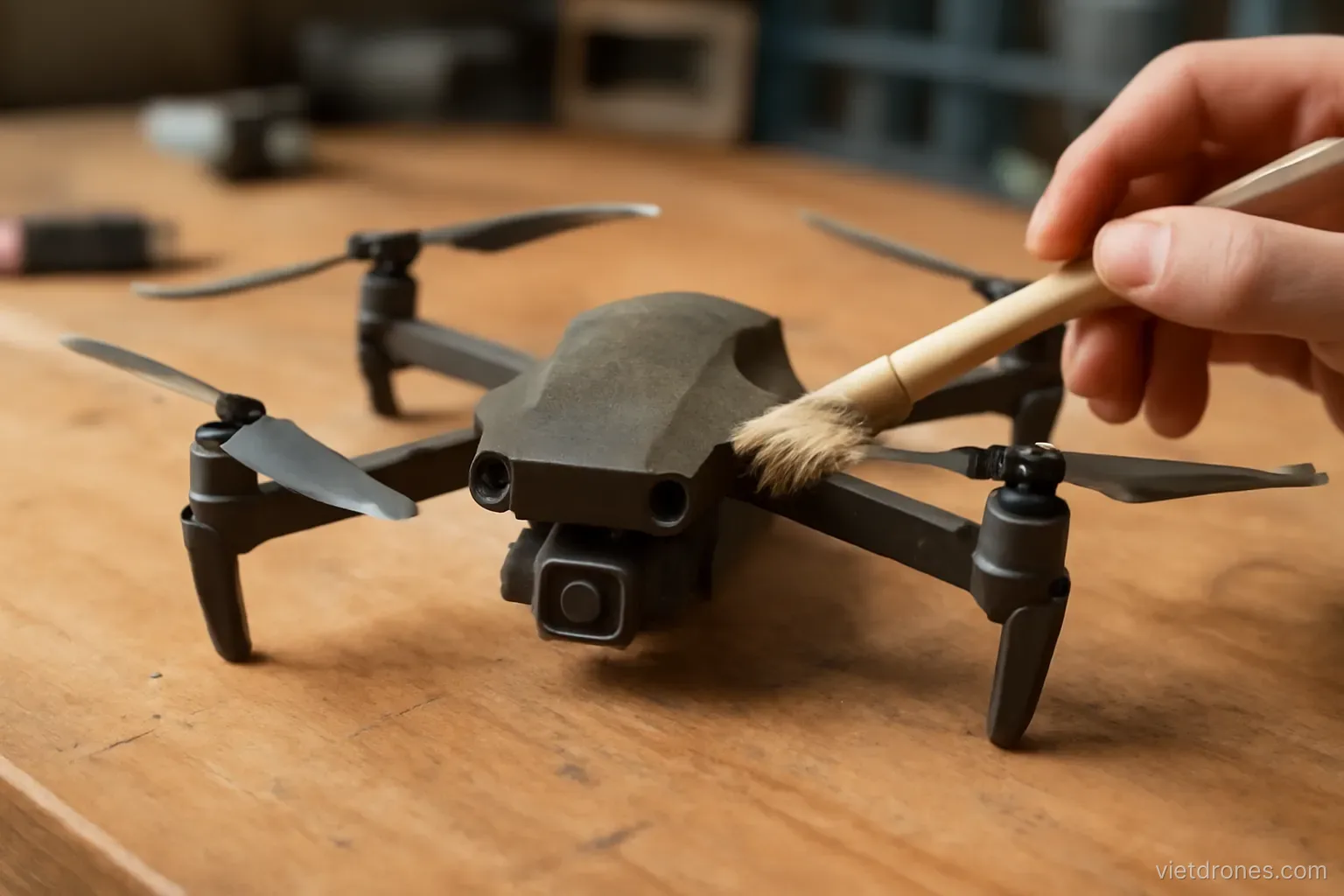
Clean thoroughly. A soft brush around the motors and vents, where dust accumulates invisibly.
Inspect the motors. Spin each by hand and feel for roughness or resistance.
Check the gimbal dampers. The small rubber isolators perish and harden with age.
Examine all cables. Controller cables in particular fail at the connector ends.
Check battery health. Cycle counts and cell voltages across the whole set.
Test the propellers under load. A stationary hover recorded and reviewed for vibration.
Verify calibration. Compass and IMU, particularly after travel to a distant location.
Review firmware. Update between sessions rather than before a shoot.
Check the controller sticks. They wear with use and a stick that no longer returns cleanly to centre causes drift that looks like an aircraft fault.
Restock consumables. Props, screws and cleaning supplies, before they run out.
Calibration and when it matters
Compass calibration. Needed after significant relocation, and when the aircraft reports interference.
Do it away from metal. Vehicles, reinforced concrete and buried cables all corrupt the process.
IMU calibration. On a level surface, when the drone drifts in hover or reports attitude errors.
Do not calibrate habitually. Unnecessary calibration can introduce errors rather than remove them.
Gimbal calibration. After fitting filters, after impacts, and when the horizon sits tilted.
Check the result immediately. A short hover confirms whether the calibration achieved anything.
Recalibrate after temperature extremes. Sensors drift with large temperature changes.
Follow the sequence exactly. Partial calibrations leave the aircraft in a worse state than before.
Record when you calibrate. Along with why, which helps identify recurring problems.
Environmental care
Salt is the worst enemy. Coastal flying deposits salt that corrodes contacts and bearings.
Wipe down after coastal sessions. With a slightly damp cloth, then dry thoroughly.
Sand is nearly as bad. It works into motors and gimbal bearings and is very hard to remove.
Use a landing pad on sand and dust. Take-off and landing are when debris is drawn in.
Dry immediately after moisture. Even light drizzle or heavy dew.
Never use a heat source to dry. Room temperature and airflow, with time.
Avoid extreme cold storage. Condensation forms when a cold drone enters a warm room.
Let it acclimatise. Leave the bag closed for a while when moving between very different temperatures.
Rinse nothing. The instinct to wash off salt with water is wrong — a barely damp cloth followed by thorough drying is the only safe approach.
Keep silica gel in the bag. Cheap, and it helps considerably in humid climates.
Frequently asked questions
What is the most valuable preflight check?
Inspecting the propellers — sighting down each blade and checking the hub for cracks. It prevents more incidents than any other single check.
Should I calibrate the compass regularly?
No. Calibrate after significant relocation or when interference is reported. Habitual calibration can introduce errors rather than remove them.
What does coastal flying do to a drone?
Salt deposits corrode contacts and bearings, and sand works into motors and gimbal bearings. Wipe down after every coastal session and use a landing pad.
How should a wet drone be dried?
At room temperature with airflow and time. Never with a heat source, which damages components and can force moisture further inside.
More in Flight moves and technique and Drone filming services.