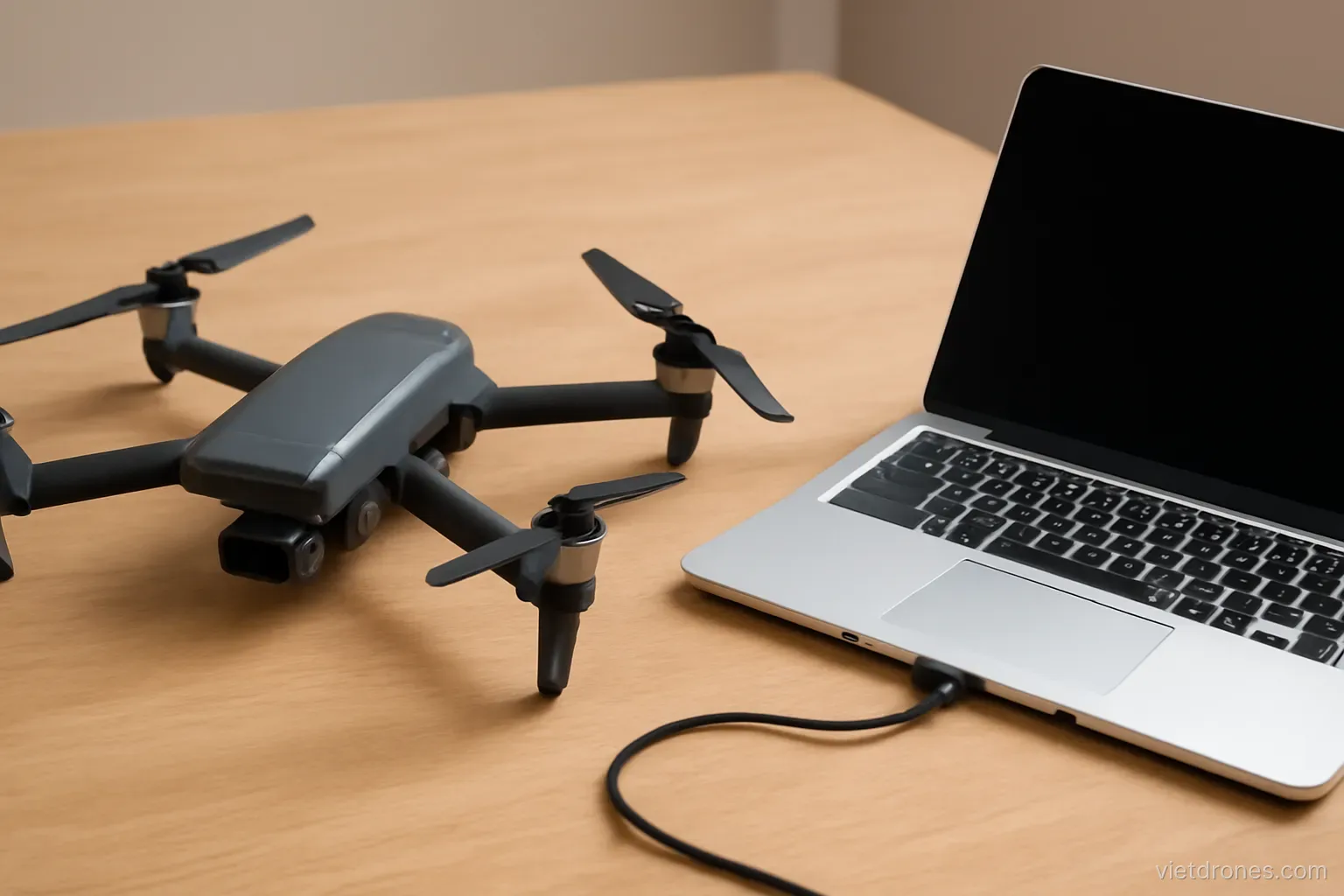
Most drone faults fall into a handful of categories, and most have a simple cause. Working through them systematically saves both money and the frustration of guessing.
The drone drifts in hover
Check the sticks first. A worn or miscentred stick is the most common cause and the easiest to miss.
Recalibrate the controller. Sticks drift out of centre over time.
Check the downward sensors. Dirty or obstructed sensors prevent position holding at low altitude.
Consider the surface. Water, snow and uniform surfaces defeat downward vision positioning.
Check satellite count. Poor reception near buildings and cliffs causes wandering.
Recalibrate the IMU. On a genuinely level surface.
Consider wind. What looks like drift may be the drone holding position against a breeze.
Test in an open field. Away from buildings and interference.
Check for magnetic interference. Phone cases with magnets, metal tripods and rebar under a concrete pad all disturb the compass on take-off.
If it persists, stop flying it. A drone that cannot hold position will not return home reliably.
Gimbal errors and tilted horizon
Check for obstruction first. The gimbal guard left on is the single most common cause of a gimbal error.
Look for debris. Grass, sand or a cable fouling the movement.
Check the filter. A heavy or badly fitted filter causes exactly this error.
Recalibrate the gimbal. On a level surface with the drone stationary.
Use the fine tune adjustment. Most apps offer a manual roll correction for small tilts.
Inspect the dampers. Perished rubber isolators cause both errors and vibration.
Check the ribbon cable. Visible damage there means professional repair.
Look for physical play. Any looseness in the gimbal arms after an impact.
Check the horizon against a known level. A distant sea horizon or a long roofline gives a reliable reference that judging by eye alone does not.
Do not fly with an unresolved gimbal error. The footage will be unusable and the fault usually worsens.
Connection problems
Check antenna orientation. Antennas are directional, and pointing them at the drone matters more than most pilots realise.
Consider your surroundings. Buildings, hills and vegetation block signal effectively.
Look for interference sources. Radio masts, power infrastructure and dense urban areas.
Try a different frequency band. If the aircraft supports switching.
Check the controller cable. A failing cable causes intermittent video and control problems.
Restart both devices. Simple, and it resolves a surprising proportion of cases.
Update firmware. Connection improvements are common in updates.
Test in an open area. To distinguish environment from equipment.
Check the phone. Background apps, low storage and battery-saving modes all degrade the video link in ways that look like aircraft faults.
Do not fly beyond reliable connection. A weakening link is a warning, not an inconvenience.
Short flight times
Check the battery cycle count. Capacity declines predictably with use.
Consider temperature. Cold reduces available capacity substantially.
Consider wind. Holding position in a breeze consumes far more power than still air.
Check propeller condition. Damaged props reduce efficiency noticeably.
Check for added weight. Filters, guards and accessories all cost flight time.
Compare across batteries. If one is much worse, the battery is the problem rather than the aircraft.
Review flying style. Aggressive flying and frequent altitude changes consume power quickly.
Check for a firmware change. Occasionally updates alter power management.
Compare against your own records. Advertised flight times are meaningless as a benchmark; what matters is how this battery performs against how it performed before.
Accept the decline. Batteries are consumables, and replacement is the answer eventually.
Camera and footage problems
Soft images. Check the lens for fingerprints and the filter for scratches before suspecting the camera.
Jello and wobble. Almost always propellers, occasionally gimbal dampers.
Exposure jumping. The camera is in automatic mode.
Colour shifting. White balance is on automatic.
Recording stops unexpectedly. Usually the memory card is too slow or too full.
Corrupted files. A failing card, or power removed during writing.
Dark corners. A filter or accessory intruding into the frame.
Flare and haze. A dirty lens or filter, which is far more common than lens faults.
Focus hunting. Some models refocus during a shot, which shows as a brief softening — locking focus before recording prevents it.
Check settings before suspecting hardware. The great majority of camera complaints are settings.
Frequently asked questions
What causes a drone to drift in hover?
Most often a worn or miscentred controller stick, followed by obstructed downward sensors, unsuitable surfaces beneath, or poor satellite reception.
What is the most common cause of a gimbal error?
The gimbal guard being left on. After that, debris fouling the movement, or a heavy or badly fitted ND filter.
Why might flight times drop suddenly?
Battery age and cold weather are the usual causes, along with wind, damaged propellers and added weight from filters or accessories.
What causes wobbling distortion in footage?
Almost always damaged propellers, and occasionally perished gimbal dampers. Replace the prop set first before investigating anything else.
More in Batteries and accessories and Drone filming services.