Recording settings are usually chosen by picking the largest available numbers. That fills storage and slows editing without necessarily producing anything better on screen.
Choosing frame rate
Twenty-four frames looks cinematic. It is the film convention and it suits slow, deliberate aerial movement.
Thirty frames looks like broadcast. Slightly smoother and very common for online video.
Sixty frames enables slow motion. Halving the speed gives smooth results at thirty.
One hundred and twenty frames gives strong slow motion. Usually at reduced resolution and with worse low-light behaviour.
Match the region convention if broadcasting. Twenty-five and fifty frames are standard in some regions.
Mixing frame rates complicates editing. Decide before the shoot rather than during it.
High frame rates need more light. The faster shutter required loses roughly a stop for each doubling.
Shoot slow motion only where it helps. Water, wildlife, sport, and vehicles benefit; static landscapes do not.
Set shutter to match. Frame rate and shutter speed must be decided together.
Resolution choices
4K is the sensible default. Nearly all current drones record it well and delivery platforms support it.
It allows cropping. Delivering in 1080p from 4K source lets you reframe and stabilise with no visible loss.
Higher resolutions exist. 5.4K and above give more crop room and larger files.
They stress everything downstream. Cards, storage, and editing computers all feel it.
1080p still has uses. High frame rate modes and situations where storage is limited.
Resolution does not fix image quality. A noisy or soft 4K image is not improved by being large.
Check the field of view. Some modes crop the sensor, narrowing the view noticeably.
Check available frame rates per resolution. The highest resolution rarely offers the highest frame rate.
Deliver at the platform's resolution. Shooting larger and delivering smaller is the usual approach.
Bit rate and codecs
Bit rate describes data per second. Higher values preserve more detail, particularly in complex scenes.
Aerial scenes are demanding. Foliage, water and moving texture consume enormous bit rate.
Compression artefacts appear first in those areas. Blocky water or smeared trees indicate insufficient bit rate.
Use the highest bit rate your card supports. This is one place where the larger number is usually correct.
H.264 is universally compatible. Larger files, easier editing on older machines.
H.265 is more efficient. Same quality in less space, but heavier to decode.
Check editing software support. Before shooting a whole project in a format your system struggles with.
Ten-bit colour helps grading. Especially in skies, where eight-bit shows banding.
Flat profiles need grading. They preserve range but look wrong until colour-corrected, so avoid them if you will not grade.
Memory cards
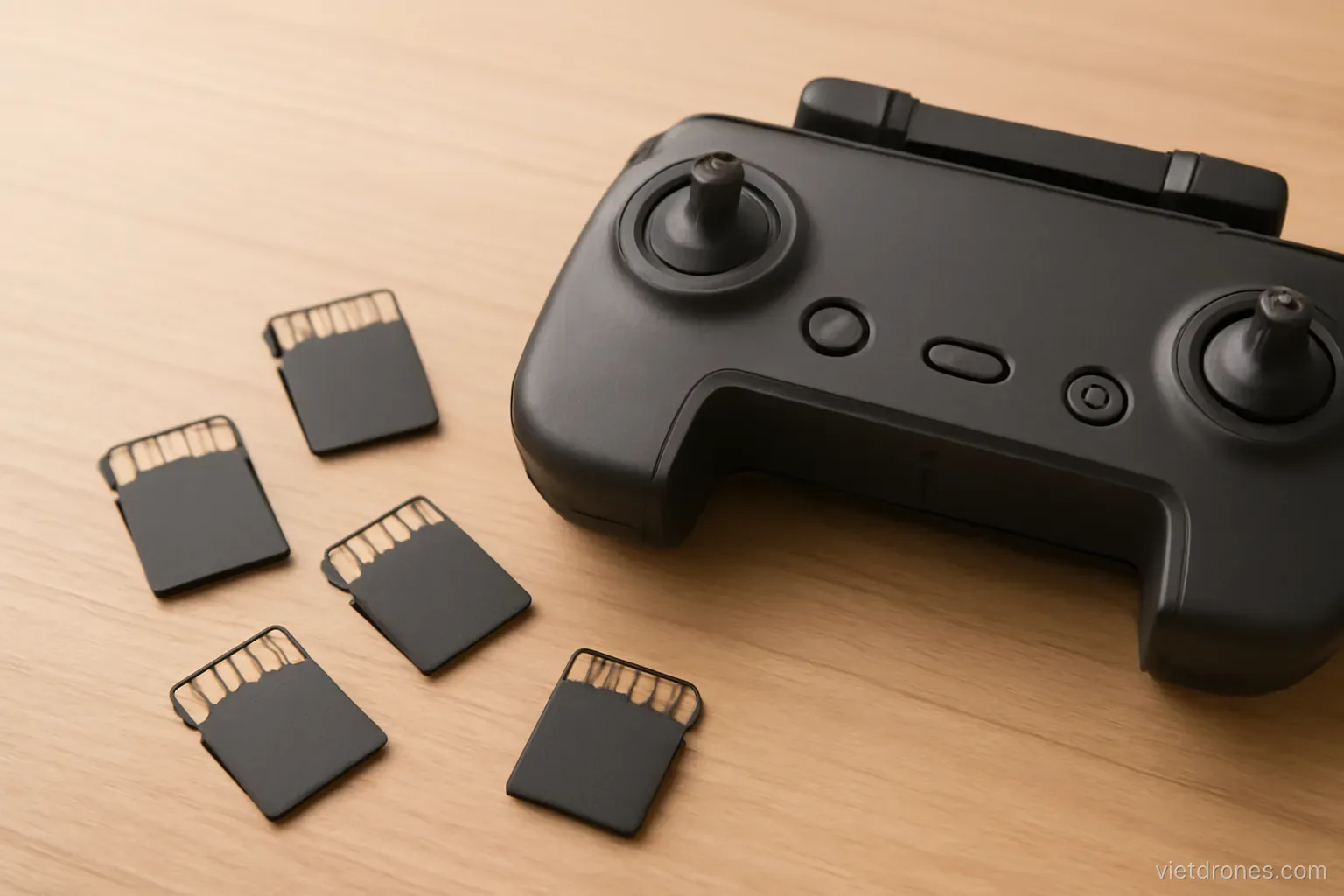
Speed rating matters more than capacity. A slow card causes dropped frames or refuses high bit rate modes entirely.
Check the required speed class. Manufacturers specify a minimum for each recording mode.
Sustained write speed is the real number. Peak speeds on packaging are not what video recording needs.
Buy known brands. Counterfeit cards are common and fail without warning.
Carry several smaller cards. A single failure then loses part of a shoot rather than all of it.
Format in the drone. Not on a computer, and do it regularly.
Do not fill a card completely. Performance degrades as cards approach capacity.
Replace them periodically. Cards wear out, and they usually fail at the worst moment.
Label them. Knowing which cards are offloaded and which are not prevents accidental erasure.
Matching settings to purpose
Social media clips. 4K at thirty frames, standard profile, no grading required.
A travel film. 4K at twenty-four frames for a cinematic feel, with some sixty-frame material for slow motion.
Client work. Highest practical resolution and bit rate, ten-bit if available, since you cannot reshoot.
Property or documentation. 4K at thirty frames is ample, and consistency matters more than maximum quality.
Sport or action. Sixty frames or higher for slow motion options.
Long-duration recording. Lower bit rate to fit the session on available cards.
Low light. Lower frame rate to allow a slower shutter.
When unsure. 4K, thirty frames, highest bit rate, standard colour profile is a safe default.
Be consistent within a project. Mixed settings create more editing problems than any single setting choice solves.
Frequently asked questions
Which frame rate should I use by default?
Twenty-four frames for a cinematic look or thirty for general online video. Choose it before the shoot, since mixing frame rates complicates editing.
Is shooting at the highest available resolution always better?
No. Higher resolutions stress cards, storage and editing machines, often crop the field of view, and do not improve a noisy or soft image.
Where do compression artefacts show up first?
In foliage, water and other moving texture, which consume enormous bit rate. Blocky water or smeared trees mean the bit rate is too low.
What matters most when choosing a memory card?
Sustained write speed rather than capacity. A card below the required speed class causes dropped frames or blocks high bit rate modes entirely.
More in Drone filming services and Safe and legal flying.